Description
Duration: 2 Days
*This course is also available for in-house sessions.
Course Overview
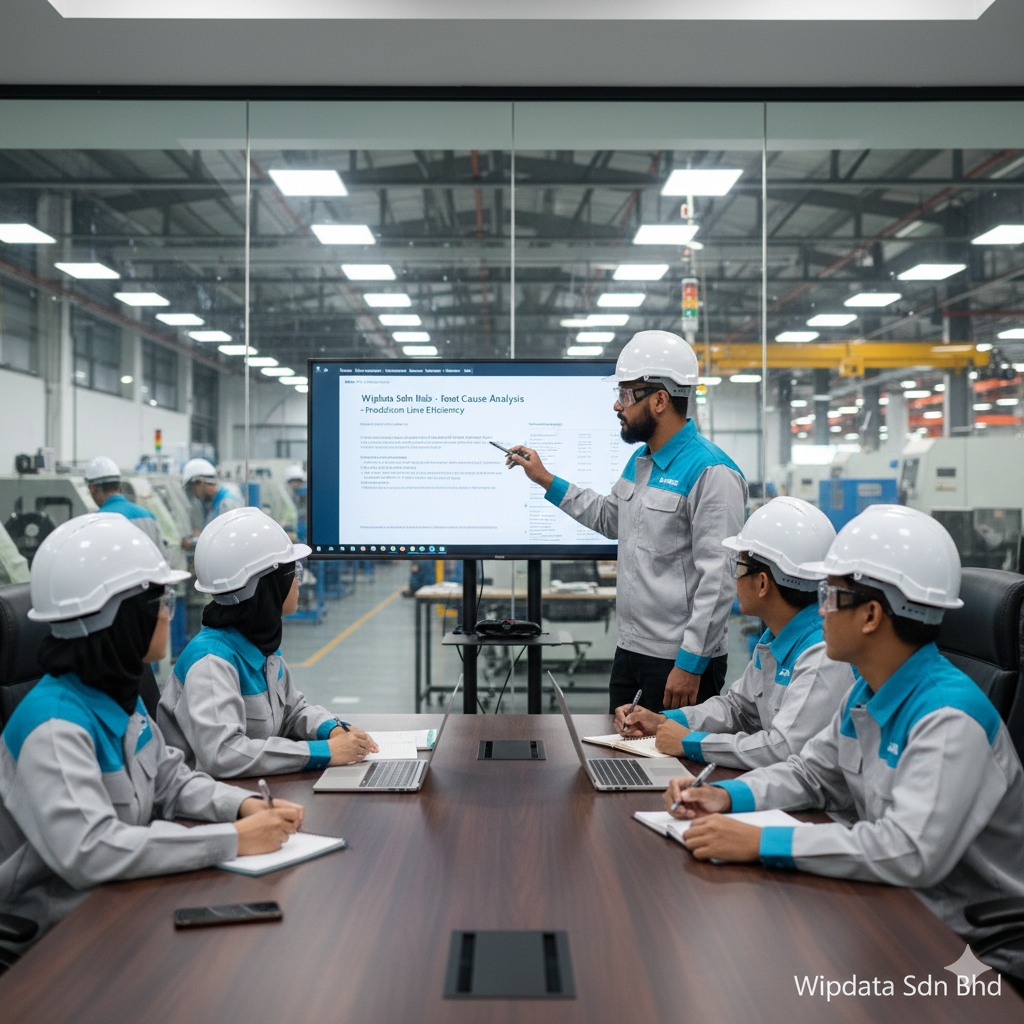
This 2-day training is designed to empower professionals in the manufacturing sector with advanced skills in Microsoft Excel and PowerPoint. The program focuses on data analysis, automation, and visualization techniques in Excel, paired with high-impact presentation and reporting skills in PowerPoint. Participants will work with real-world manufacturing data to enhance decision-making and communicate operational insights effectively.
Learning Objectives
By the end of this course, participants will be able to:
- Analyze production, inventory, and quality control data using advanced Excel functions.
- Automate repetitive reporting processes using Power Query and Macros.
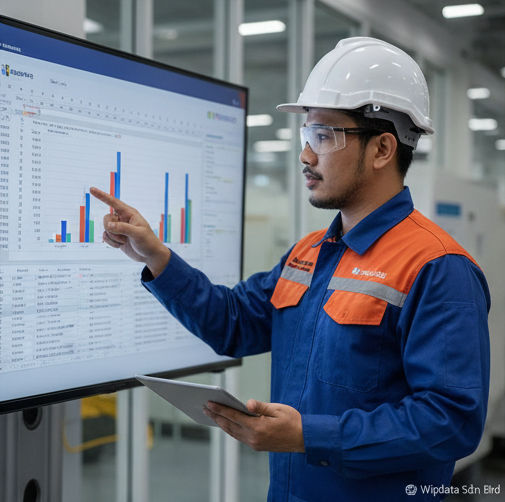
- Develop interactive dashboards to track KPIs in manufacturing operations.
- Design professional PowerPoint presentations to communicate data insights clearly.
- Integrate Excel outputs into PowerPoint to support data-driven discussions and management reporting.
Target Audience
Production Managers, Plant Supervisors, Quality Control Officers, Inventory Controllers, Supply Chain Analysts, Maintenance Planners, Finance Officers, HR Managers, Manufacturing Data Analysts.
Training Methodology
- Instructor-led practical training
- Guided hands-on exercises using manufacturing datasets
- Real case studies from plant operations, quality, inventory, and maintenance
- Interactive group discussions and individual tasks
Course Content
Day 1: Advanced Microsoft Excel for Manufacturing Analytics
Session 1: Advanced Formulas for Manufacturing Operations
- Logical & nested functions for production logic
- Lookup functions (XLOOKUP, INDEX-MATCH) for inventory mapping
- IFERROR, IFS, TEXT, and DATE functions for quality & shift analysis
Session 2: Manufacturing Data Analysis & Automation
- Advanced sorting, filtering, and data validation for batch records
- PivotTables & PivotCharts for defect rates, material usage, and yield
- Goal Seek & Scenario Manager for production forecasting
Session 3: Power Query & Macros for Automation
- Import and clean raw production data using Power Query
- Merge data from multiple machines or lines
- Record Macros to automate shift reports and OEE summaries
Day 2: PowerPoint for Manufacturing Reporting & Insights
Session 4: Slide Design for Operational Reporting
- Use of Slide Master for standardizing reports
- Integrating Excel visuals into PowerPoint reports
- Designing KPI reports and executive dashboards
Session 5: Visual Storytelling for Manufacturing Insights
- Storytelling frameworks for production, quality, and maintenance reporting
- SmartArt, timelines, and visuals for process communication
- Applying animations for progressive data reveal
Session 6: Final Project & Presentation Practice
- Combine Excel dashboards and PowerPoint into a business presentation
- Present a real-world use case (e.g. yield improvement, cost reduction, process optimization)
- Group feedback and wrap-up discussion





Reviews
There are no reviews yet.