Description
Duration: 2 days
*This course is also available for in-house sessions.
Course Overview:
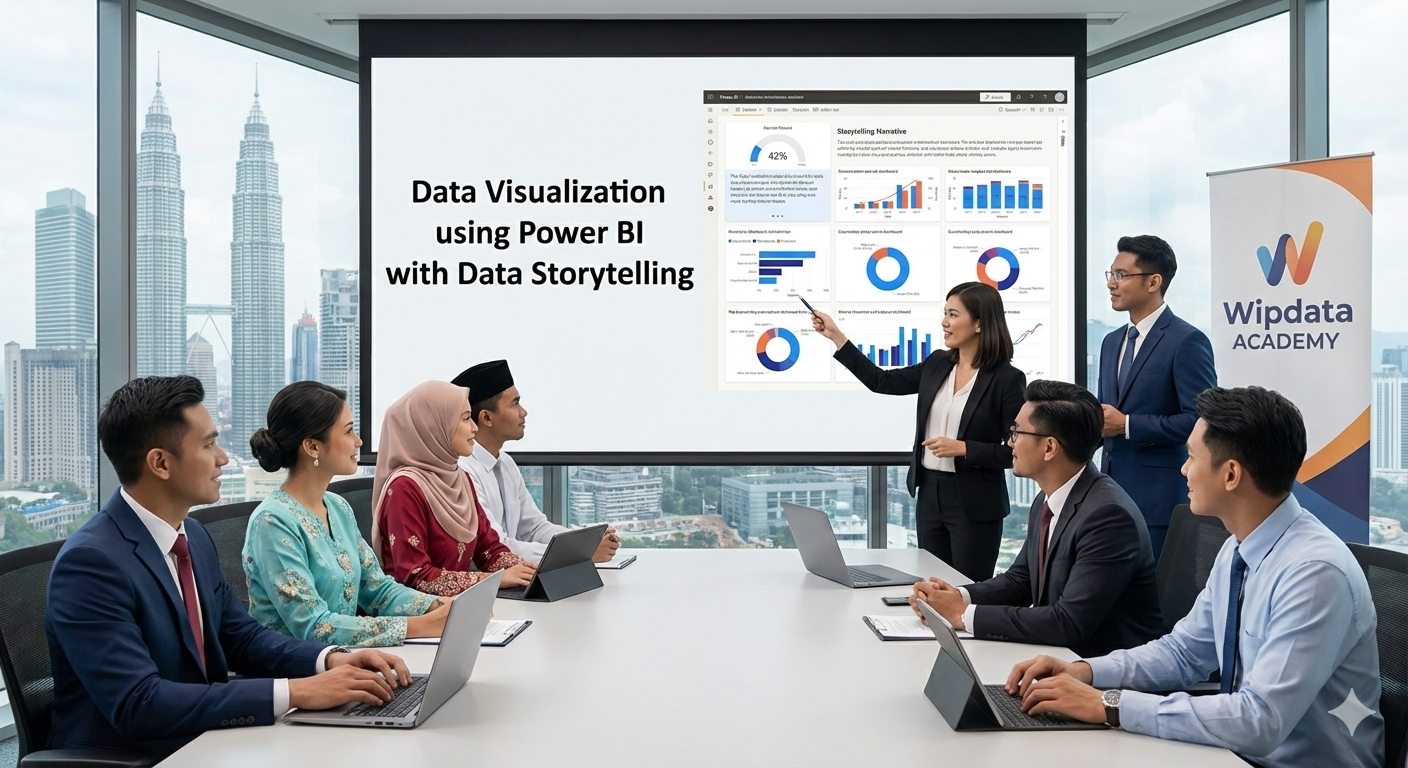
This course is designed to empower participants by providing practical training in the Power BI ecosystem, covering everything from connecting to various data sources and preparing data for analysis to creating basic data models. The focus then shifts to the design and customization of dynamic visualizations and the ability to build interactive dashboards to enable collaboration and decision-making. Crucially, the module integrates essential Data Storytelling techniques , ensuring participants gain skills to effectively communicate data-driven narratives to stakeholders and convey insights clearly for better decision making.
Learning Outcomes:
By the end of the course, participants will be able to:
- Understand the Power BI ecosystem and its key components.
- Connect to various data sources and prepare data for analysis.
- Create basic data models to establish relationships between tables.
- Design and customize visualizations for impactful storytelling.
- Build interactive dashboards to enable collaboration and decision-making.
- Apply effective data storytelling techniques to convey insights clearly.
- Gain skills to communicate data-driven narratives to stakeholders for better decision making.
Target Audience:
This course is designed for:
- Professionals, new to data analytics or Power BI.
- Individuals, looking to enhance their ability to visualize and analyze data.
- Decision-makers who want to harness data for business insights.
- Anyone interested in starting their journey with Power BI and data analytics.
Training Methodology:
Instructor-led Training: Delivered through a combination of
- Interactive instructor-led presentations.
- Real-world examples and case studies.
- Step-by-step guide to ensure that participants can replicate the tasks on their own.
- Demonstration and hands-on exercises to reinforce active learning.
- Interactive Q&A sessions to ensure concept understanding.
Course Modules:
Day 1
Session 1: Introduction to Power BI and Its Components
- Overview of Power BI Ecosystem.
- What are Data Analytics and Why Power BI?
- Power BI Workflow.
Session 2: Connecting to Data and Preparing Data
- Importing Data from Excel/CSV.
- Exploring the Power Query Editor
- Best practices for preparing data for accurate and analysis ready.
Session 3: Creating Data Models
- Understanding relationships between tables.
- Designing basic data models for analysis.
- Introduction to calculated columns and measures (light overview).
Session 4: Visualizing Data with Power BI
- Understanding Visual Types.
- Customizing Visuals.
- Interactive Elements.
Session 5: Building Your Interactive Dashboard
- Publishing reports to Power BI Service.
- Arranging visuals effectively for storytelling.
- Sharing and collaborating on reports.
Day 2
Session 6: Introduction to Data Storytelling
- Principles of effective data storytelling
- Structuring narratives to present insights
- Visual storytelling techniques and communication strategies
Session 7: Presenting Data Stories with Power BI
- Integrating storytelling techniques into Power BI reports
- Developing storyboards and narratives with data visuals
- Techniques for engaging stakeholders in presentations






Reviews
There are no reviews yet.