Description
Duration: 1 days
Course Overview
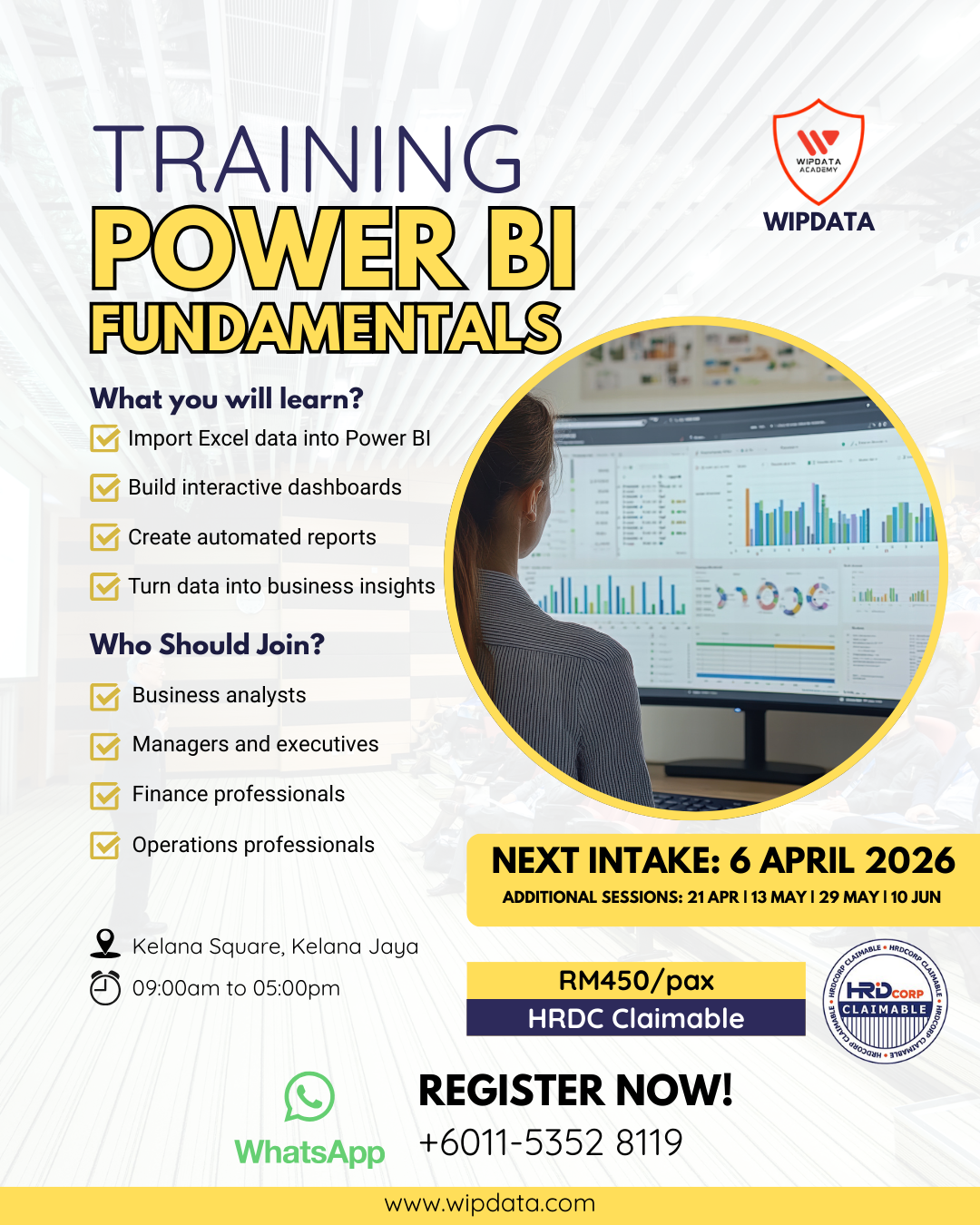
This course introduces the fundamentals of Microsoft Power BI for analysing and visualising business data. Participants will learn how to transform raw data into interactive dashboards and meaningful insights for decision-making.
Learning Outcomes
By the end of the course, participants will be able to:
• Understand the Power BI interface and workflow
• Import and clean data from different sources
• Create visualisations and dashboards
• Use basic data modelling techniques
• Share reports for decision-making
Target Audience
This course is designed for:
Business analysts, Managers and executives, Finance and operations professionals, Anyone working with data in Excel\
Methodology
Instructor-led training with guided design workshops and practical exercises.
Course Outline
Session 1: Introduction to Power BI
• Overview of Power BI ecosystem
• Understanding dashboards, reports, and datasets
• Navigating the Power BI interface
Session 2: Data Import and Transformation
• Connecting to Excel and other data sources
• Using Power Query for data cleaning
• Preparing data for analysis
Session 3: Data Visualisation
• Creating charts and visualisations
• Designing interactive dashboards
• Applying filters and slicers
Session 4: Sharing Insights
• Publishing reports
• Sharing dashboards with stakeholders
• Best practices for data storytelling
Practical Activity:
Participants build a simple Power BI dashboard using a sample dataset.



Reviews
There are no reviews yet.