
Gen AI for Work
RM400.00
Description
Duration: 1 day
Course Overview
Generative AI the technology behind tools like ChatGPT, Microsoft Copilot, Google Gemini, and Claude is rapidly changing how work gets done across every industry and every function. From drafting emails and summarising reports to planning projects, generating ideas, and interpreting data, AI can help working professionals do more in less time, at a higher quality. But the gap between knowing AI exists and actually using it confidently, effectively, and responsibly is where most organisations find themselves today. This programme closes that gap.
This focused, full-day programme is designed for general working professionals across all departments, regardless of technical background. It covers five practical areas: understanding how GenAI works and mastering prompt engineering fundamentals, AI-assisted writing and communication, AI for research and problem-solving, AI for daily productivity, and responsible AI use. Participants develop the KNOW-WHATs of what AI tools are and how they work, the KNOW-WHYs of why certain prompts produce better outputs, and the KNOW-HOWs of applying AI to the actual tasks they perform every day through structured, hands-on exercises throughout the day.
Learning Outcomes
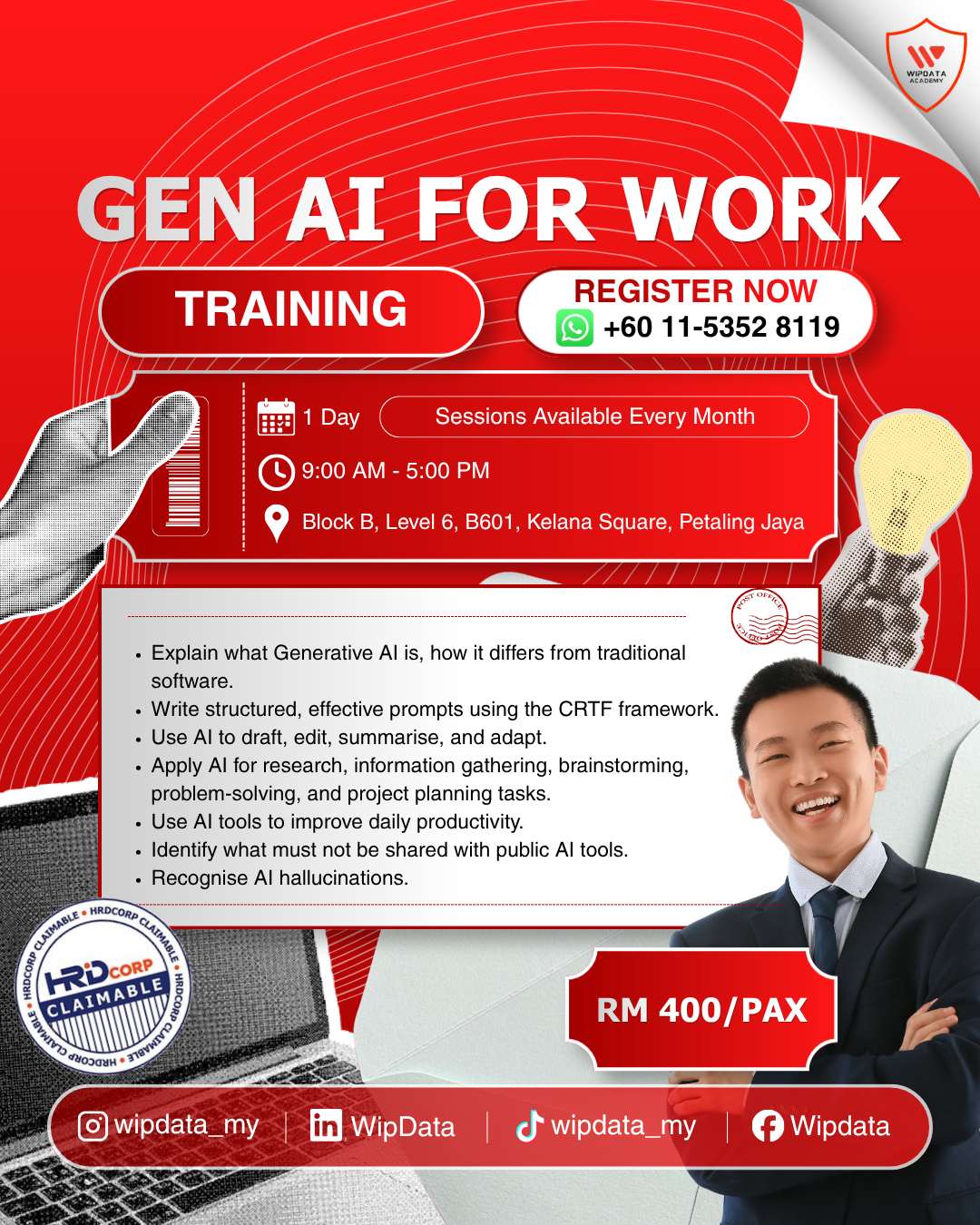
- Explain what Generative AI is, how it differs from traditional software, and describe what major tools (ChatGPT, Copilot, Gemini, Claude) are best suited for.
- Write structured, effective prompts using the CRTF framework and refine outputs through iterative prompting.
- Use AI to draft, edit, summarise, and adapt professional emails, memos, documents, and meeting materials.
- Apply AI for research, information gathering, brainstorming, problem-solving, and project planning tasks.
- Use AI tools to improve daily productivity, create templates, interpret data outputs, and plan presentations.
- Identify what must not be shared with public AI tools and apply basic data privacy and confidentiality safeguards.
- Recognise AI hallucinations and apply a fact-checking mindset to all AI-generated outputs before using them at work.
- Build a personal AI workflow and a 30-day AI adoption plan tailored to their own role and responsibilities.
Target Audience
General working professionals across all departments and functions, from complete beginners to those with basic AI exposure. No technical background required. Suitable for administrative staff, executives, managers, HR, finance, operations, communications, and any other professional who uses a computer as part of their daily work.
Methodology
The programme will maximise understanding and learning through interactive lectures, discussions, practical exercises, hands-on workshops, live tool demonstrations, group activities, and real workplace scenario exercises.
Course Outline
Module 1: Understanding GenAI & Mastering Prompts
- What is Generative AI and how does it work (in plain language)
- Overview of major tools: ChatGPT, Microsoft Copilot, Google Gemini, Claude
- Choosing the right AI tool for the right task
- What is a prompt and why most people write them wrong
- The CRTF Framework: Context, Role, Task, Format
- Iterative prompting: how to refine and improve outputs
- Prompting for different outputs: paragraphs, lists, tables, drafts
- Common prompting mistakes and how to fix them
Module 2: GenAI for Writing & Communication
- Drafting professional emails, memos, and announcements with AI
- Summarising long documents, reports, and meeting notes
- Editing and improving existing drafts for clarity and tone
- Adapting tone and formality for different audiences
- Translating and simplifying complex information
- Writing meeting agendas, action items, and follow-up notes
- Proofreading and grammar-checking with AI
Module 3: GenAI for Research, Planning & Problem-Solving
- Using AI to research topics, summarise findings, and identify key points
- AI-assisted brainstorming: generating ideas, options, and frameworks
- Planning projects, events, and timelines with AI support
- Using AI to think through problems and explore solutions
- Building FAQs, briefing documents, and knowledge summaries
- Fact-checking mindset: why you must always verify AI outputs
Module 4: GenAI for Productivity & Daily Work
- AI tools for daily task management and prioritisation
- Using AI to create templates, SOPs, and standard documents
- GenAI for data interpretation: summarising spreadsheet findings in plain English
- AI-assisted presentation planning: structuring decks and talking points
- Using AI to learn new skills and explain complex topics simply
- Tools beyond text: image generation, transcription, and automation basics
Module 5: Responsible AI Use & Building Your Personal AI Workflow
- Data privacy and confidentiality: what NOT to input into public AI tools
- Accuracy and hallucinations: understanding why AI can be wrong
- Ethical considerations: bias, plagiarism, and transparency at work
- PDPA and corporate data governance considerations
- Building a personal AI workflow for your specific role
- Your 30-day AI adoption plan: 3 immediate habits to start this week
Reviews
There are no reviews yet.